FactoryTalk Optix as a Data Bridge Between Plant-Floor Controls, MES and ERP
- Pruitt Urbanczyk
- 435 reads
Optix can connect controllers, databases and enterprise systems; careful tag selection, synchronization and handshakes help manage data quality and performance.
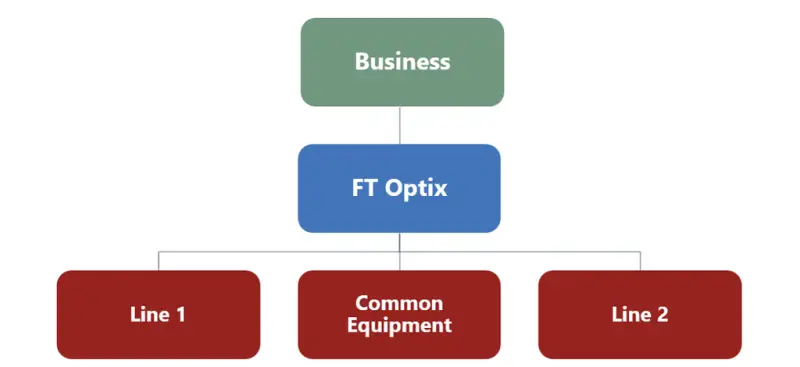
FactoryTalk Optix can serve as a data layer between plant-floor controls and higher-level systems such as MES and ERP applications. That role extends beyond its use for HMI and SCADA: Optix can collect, organize, transform and pass data between controllers, databases and other applications. The practical gains can include less manual entry, better traceability and buffering during database outages, provided the application is designed around the behavior and limits of each connection.
Rockwell Automation’s platform combines built-in communication drivers with OPC UA, MQTT, database connections and custom C# NetLogic. The .NET backend gives teams options when standard functions do not cover a required protocol or data operation. The architecture still needs deliberate choices about which tags move, how often they update and which system is permitted to write them.
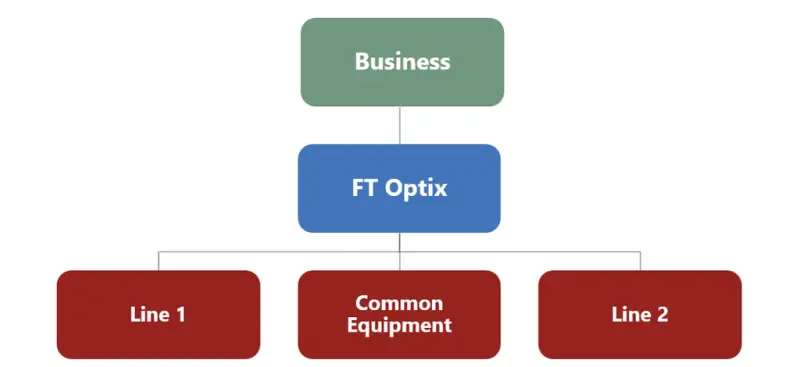
Organize the data before connecting systems
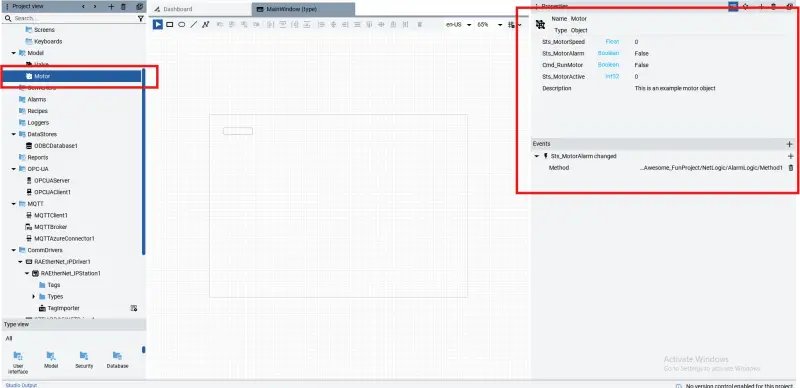
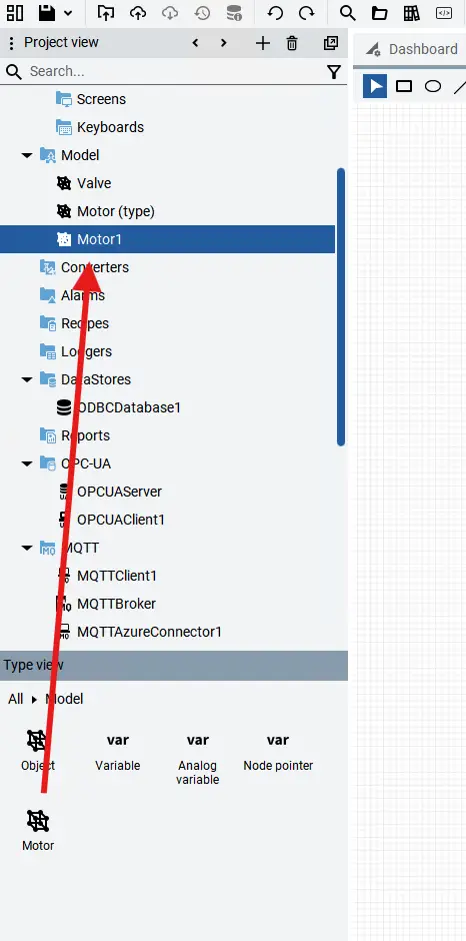
Optix stores application data in objects under the Model folder. An object can hold variables of different data types and associated events, giving engineers one place to inspect related values, functions and dependencies. A motor object, for example, can group the variables and behavior tied to a motor.
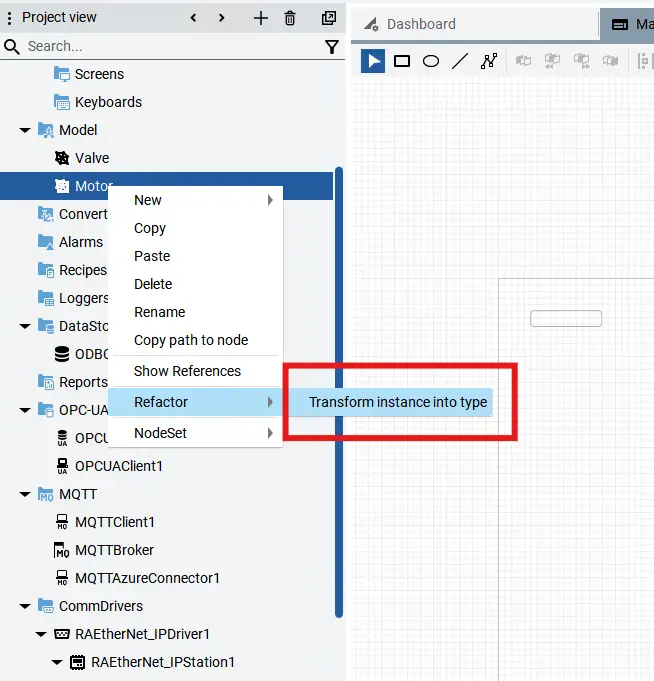
When an application needs several motors with the same structure, the object can be refactored as a type. Engineers can then create instances from that type in the type view. Changes to the type update its instances, which can make a repeated equipment model easier to maintain as the project grows.
Choose the right interface for each source
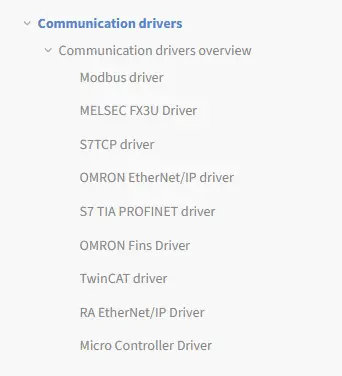
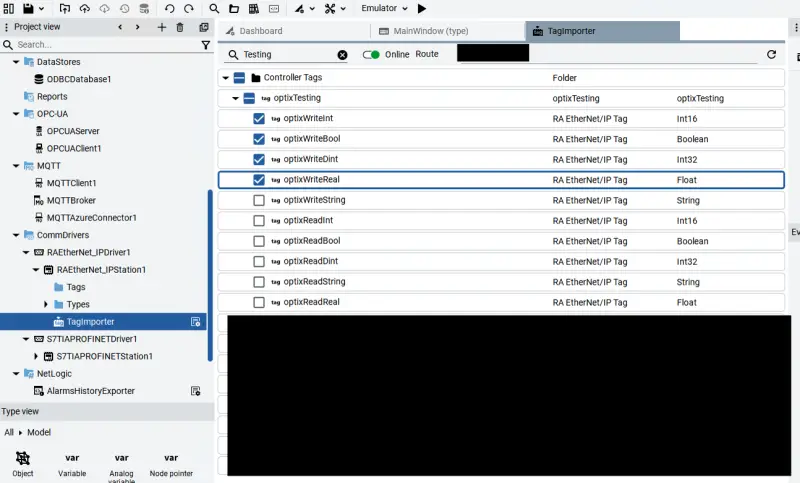
Built-in drivers import available PLC tag structures into an Optix project as field variables, which can then be read or written. Import only the tags the application needs: loading unnecessary data can increase project load and affect performance. If the PLC namespace changes, the PLC must be imported again to restore the tag connections.
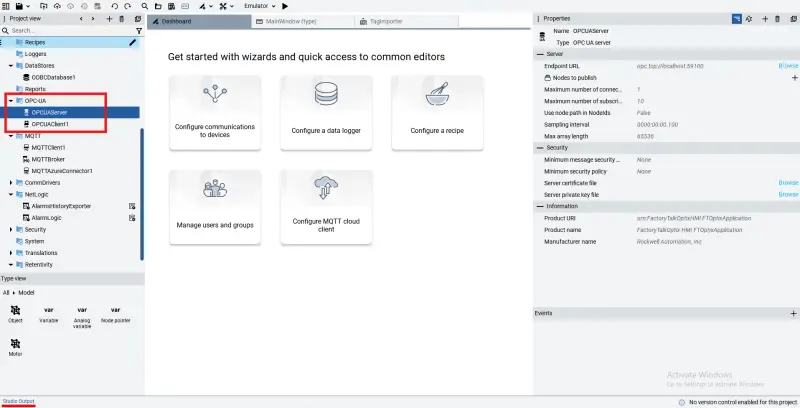
For systems that expose OPC UA, an Optix application can publish data through its server or read data from another server. Imported OPC UA tags are handled in a similar way to tags from communication drivers. MQTT offers a topic-based route: Optix can publish plant-floor data to a broker or subscribe to topics from other systems. Its broker and client components support event-driven exchange among controllers, applications, cloud services and enterprise systems.
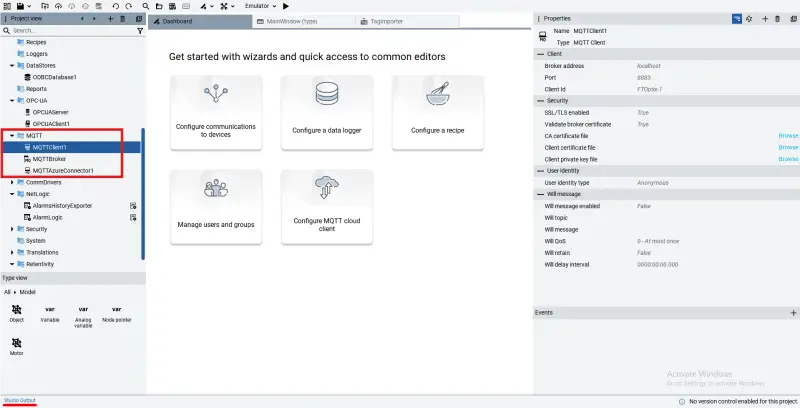
Optix also works with embedded and external databases through SQLite, ODBC and InfluxDB connections. Applications can read and write using standard SQL queries, exchanging application values, history, recipes and event data with enterprise systems. A database can provide a central store for longer-term retention and reporting, while buffering can help preserve data through an outage.
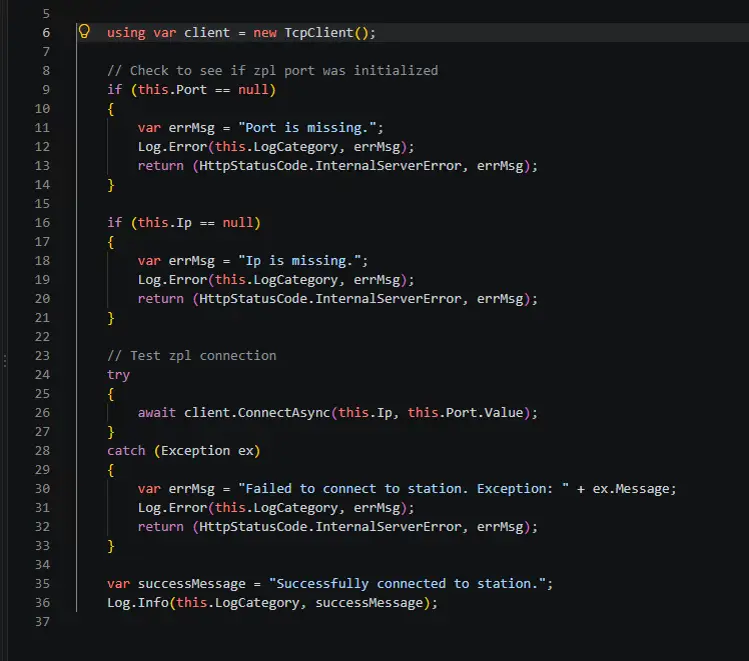
Where the standard interfaces fall short, custom C# NetLogic scripts can connect through REST APIs, SQL queries or raw TCP messaging. A TCP client, for instance, can test a station connection and send or receive messages. That flexibility comes with responsibility: engineers need to define error handling and data flow for the custom integration.
Control direction and update behavior
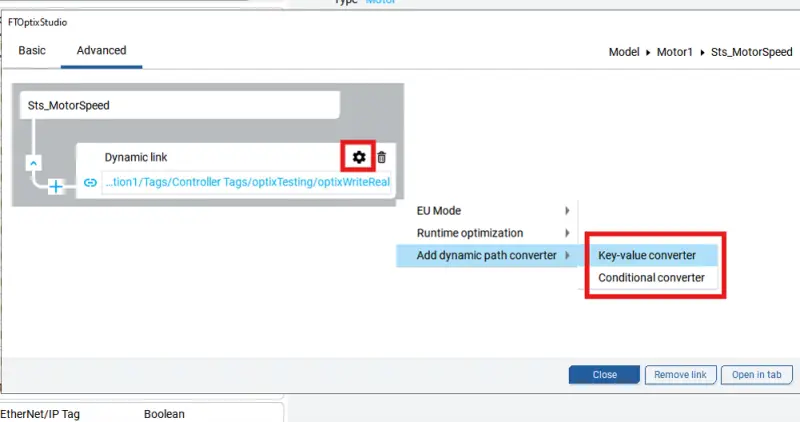
Dynamic links provide a direct way to connect variables within an Optix project. An engineer selects the destination variable, chooses the variable to link, then sets the link direction in its advanced settings. Links default to bidirectional operation, but choosing read-only or write-only behavior where appropriate makes the intended data path clearer and can avoid conflicting updates. Advanced link options can also convert values, evaluate expressions or format strings for the receiving application.
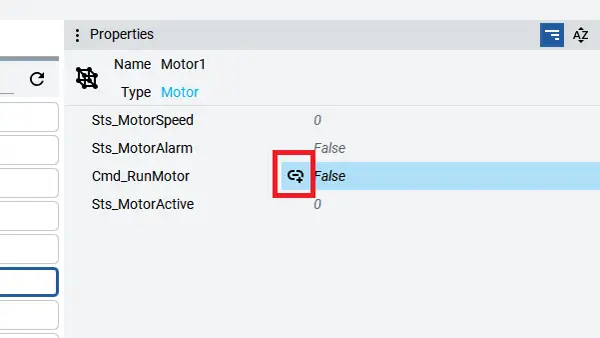
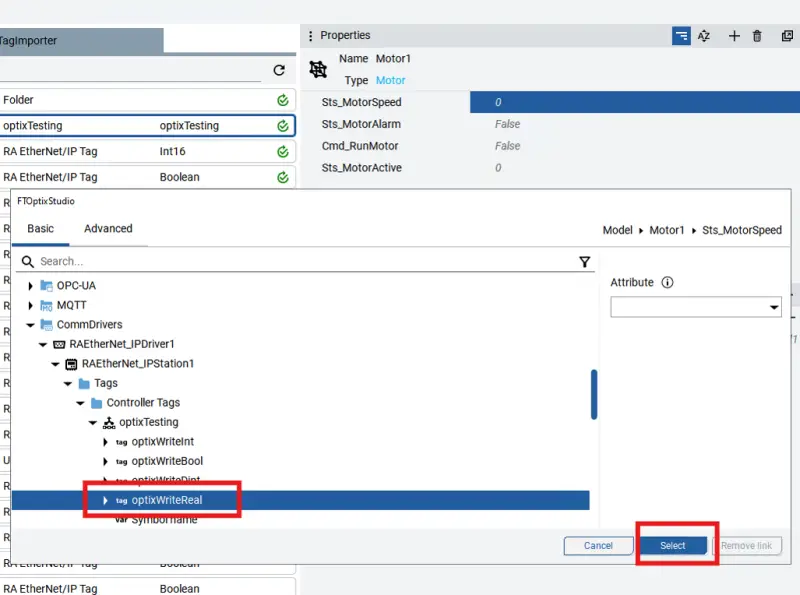
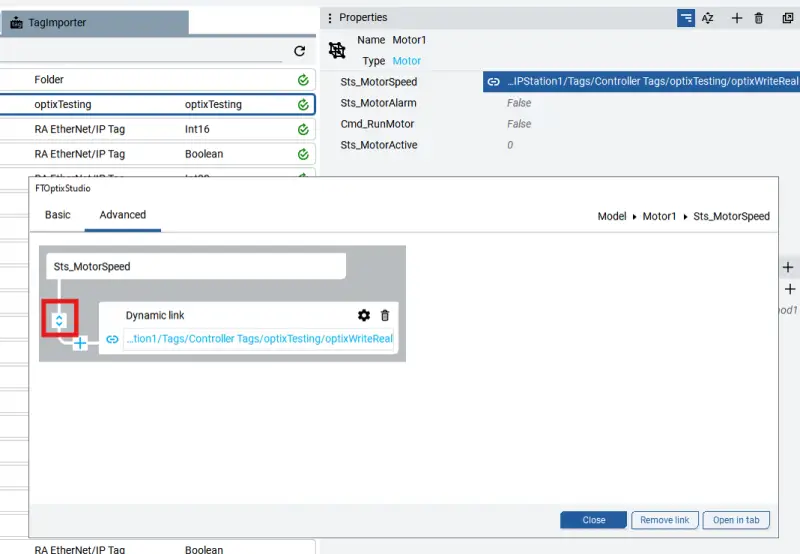
Dynamic links have important limits. Remote variable synchronizers are needed to drive their updates, and a dynamic link cannot write to OPC UA variables. Bidirectional links can also produce inconsistent behavior if both ends change, so their use calls for care.
| Direction | Description | |
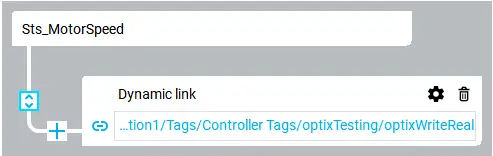 | Bidirectional | A change to either variable sets the other. |
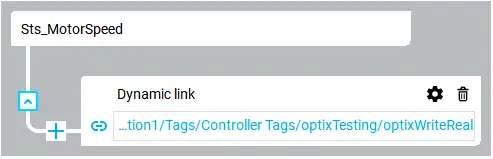 | Read-only | The host variable reads the linked variable. |
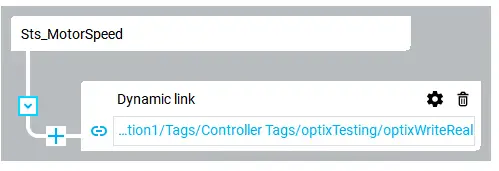 | Write-only | The host variable writes to the linked variable. |
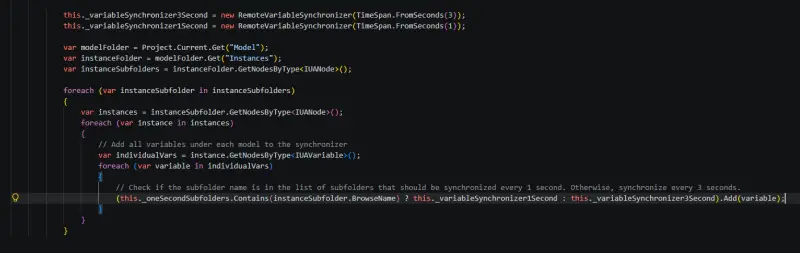
Remote variable synchronizers keep project variables aligned with field variables, including controller tags and OPC UA client or server values. Without them, a link may not update reliably when its object is not displayed on a screen. They are created in NetLogic scripts. One example synchronizes variables under an Instances folder every three seconds, while selected subfolders receive one-second updates. Synchronizers are best suited to smaller tag counts because frequent update cycles can slow the application. Separating groups by refresh rate can help manage the load.
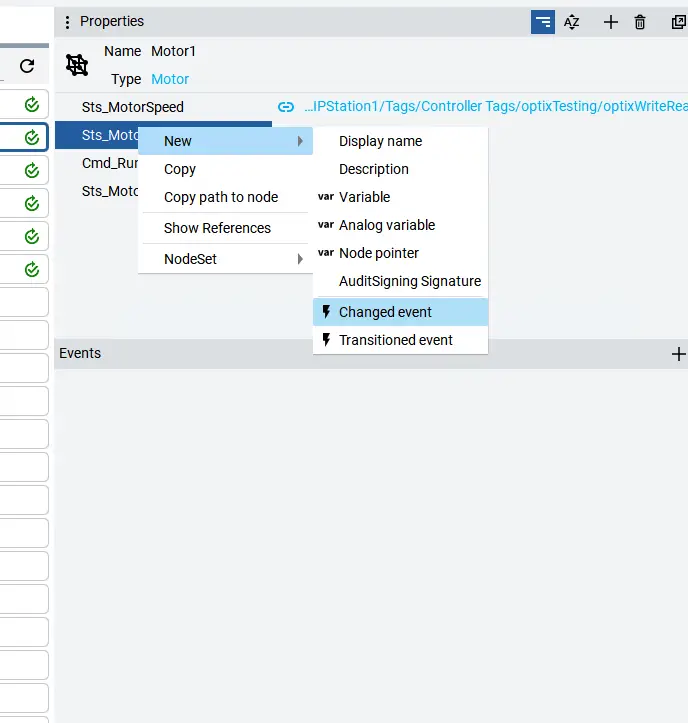
For changes that only need to occur when a value changes, set commands can perform event-based writes instead of relying on regular update intervals. A tag-change event on a model variable, for example, can trigger a write to a PLC variable and reduce synchronizer workload.
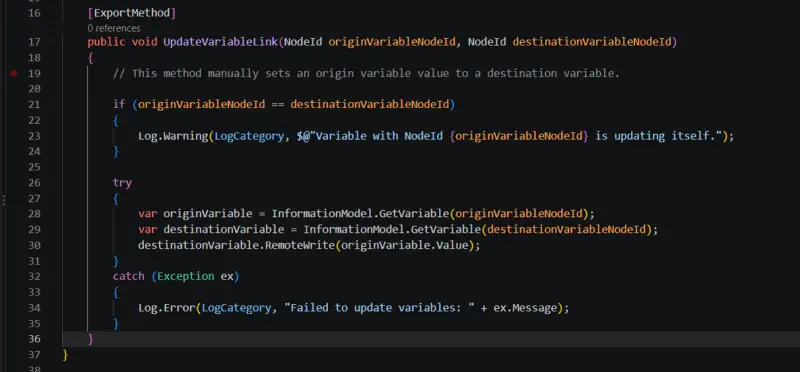
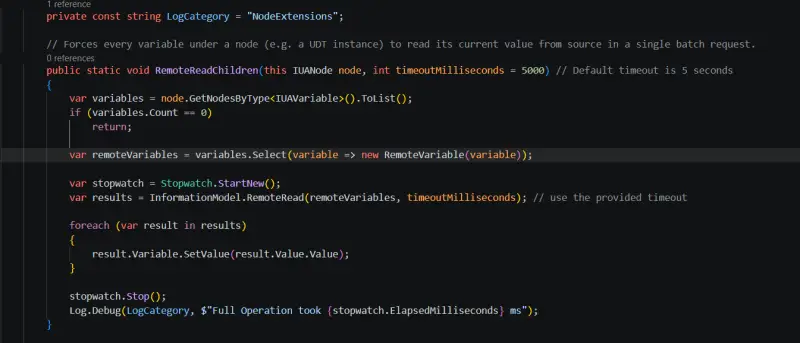
NetLogic also supports more controlled reads and writes. The IUAVariable.RemoteRead and IUAVariable.RemoteWrite methods can attempt an operation on a field variable and report an error after a timeout. A script can copy a value between variables identified by NodeIds, or force reads across a node’s child variables while recording the operation time. These methods can make updates easier to track and handle predictably.
Bridge data with a validation plan
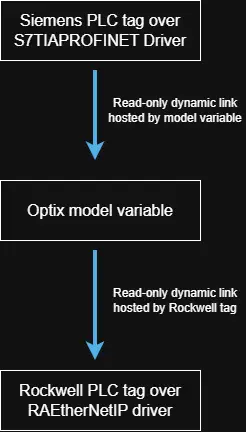
A basic bridge can pass a tag from a Siemens PLC through Optix to a Rockwell PLC. It is quick to assemble, but the example provides no safeguards for data validity. That distinction matters when a receiving controller acts on values from another system: moving a value successfully does not confirm that the value is current or appropriate.
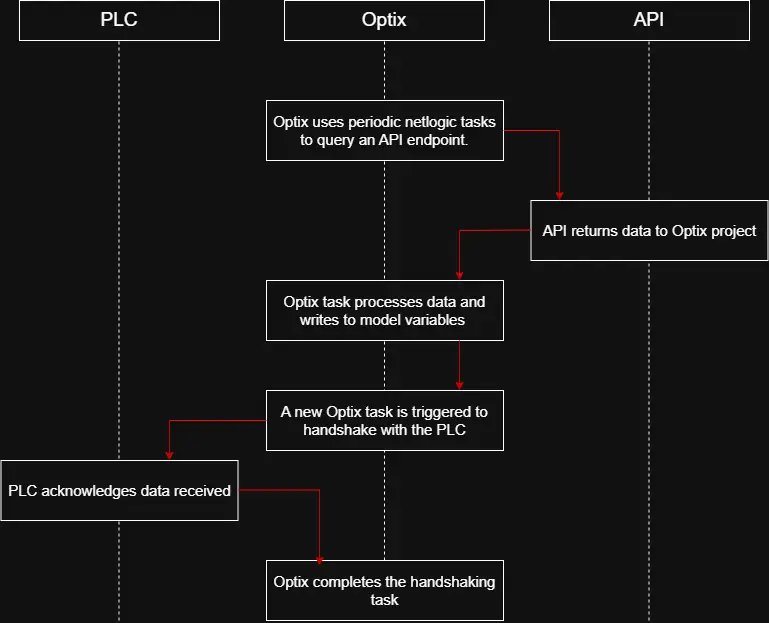
A more controlled pattern uses Optix to query an API endpoint and pass processed data to a PLC. NetLogic tasks periodically query the API, C# functions process the response, and the results are placed in model variables. A handshake task then coordinates the transfer: dynamic links write the values to the PLC, the PLC acknowledges receipt, and the handshake completes. For sensitive exchanges, that acknowledgement provides a check on the transfer sequence.
Plan capacity as the project grows
Data flow and application structure shape Optix performance. As projects expand, distributing computational work across multiple Optix projects can reduce the load on any one project. The recommended architecture also places headless Optix data layers on IDC servers, giving those projects access to more resources. The key design work is therefore not simply connecting systems: it is limiting imported tags, selecting suitable update rates, defining write direction and adding handshakes where the data exchange needs acknowledgement.